VSCode Extension
Language Server Binary Priority
The tombi VSCode extension selects the Language Server binary in the following order of priority:
| Order | Source Type | Description |
|---|---|---|
| 1 | editor settings | Path explicitly specified by tombi.path in .vscode/settings.json |
| 2 | venv | tombi binary found in a Python virtual environment (venv) in the workspace |
| 3 | node_modules | tombi binary found in the node_modules/.bin directory in the workspace |
| 4 | local | tombi binary found in the system PATH |
| 5 | bundled | tombi binary bundled with the extension |
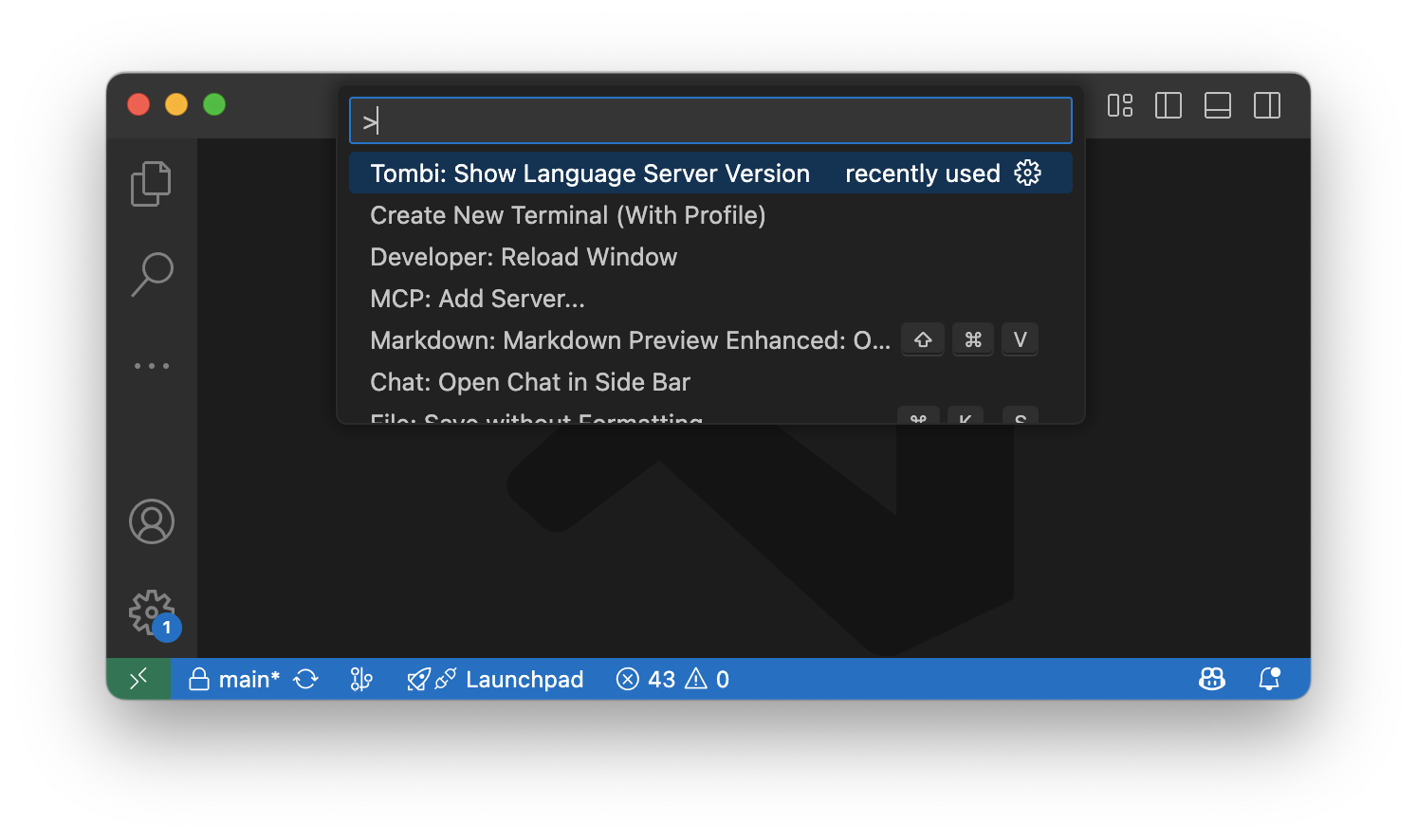
You can check which tombi binary is currently selected by running the Tombi: Show Language Server Version command from the VSCode command palette.
Select Schema
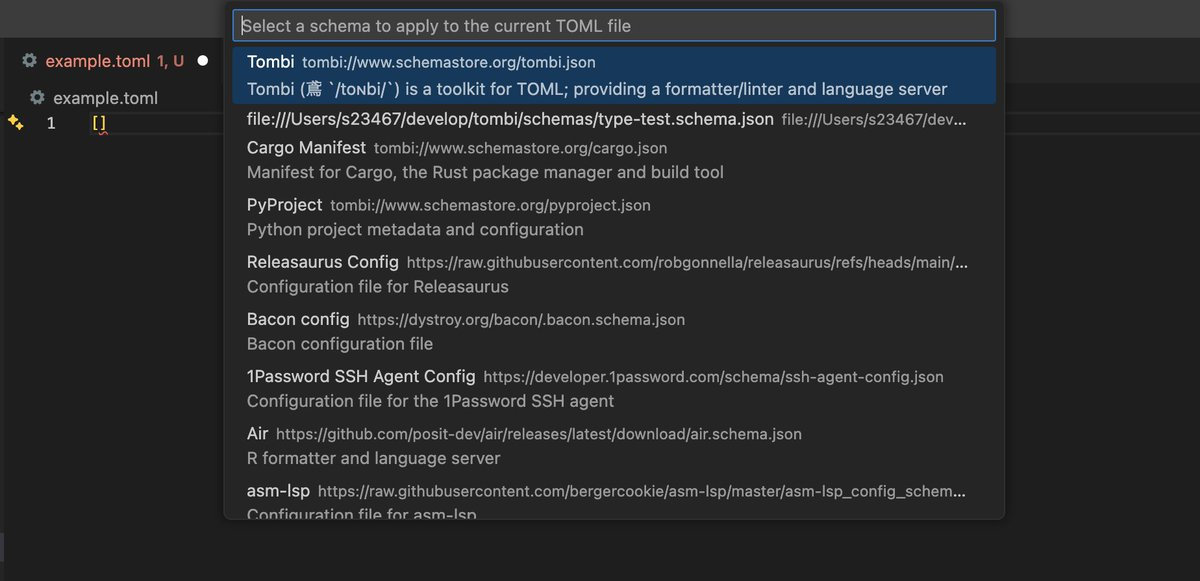
You can manually select and apply a JSON schema to the current TOML file using the Tombi: Select Schema command from the VSCode command palette. This command lists all available schemas and associates the selected one with the current file.
This is useful when working on projects without Tombi configuration, or when validating files whose paths don't match SchemaStore's fileMatch patterns (e.g., template files like config.toml.template or example files like example-config.toml). The selected schema takes precedence over catalog schemas and automatic associations.
Offline Mode
You can set offline mode in the VSCode settings file.
{
  "tombi.args": ["lsp", "--offline"]
}
Verbose Logging
You can enable verbose logging in the VSCode settings file.
- Debug:
-v - Trace:
-vv
{
  "tombi.args": ["lsp", "-vv"]
}
JSON Schema Association
As with Taplo, extensions can associate their own schemas using tomlValidation.
You can specify fileMatch, which associates the schema with documents whose file matches the given pattern (same as jsonValidation).
{
  "contributes": {
    "tomlValidation": [
      {
        "fileMatch": "^.*foo.toml$",
        "url": "https://www.schemastore.org/foo.json"
      }
    ]
  }
}